
Portals and tools people move through without training.
We design the flow and build the software it runs in. Onboarding, checkout, case handling, approvals, and the portals and dashboards they live in. Design and build stay in one pair of hands, so nothing is lost in a hand-off.
Everything ships in 4-week sprints into your repo and your cloud accounts, so if we stopped tomorrow it all keeps running.
How it works in practice
Sit with the work
We watch how the flow runs today: where people hesitate, re-type, work around, or give up.
Map the flow
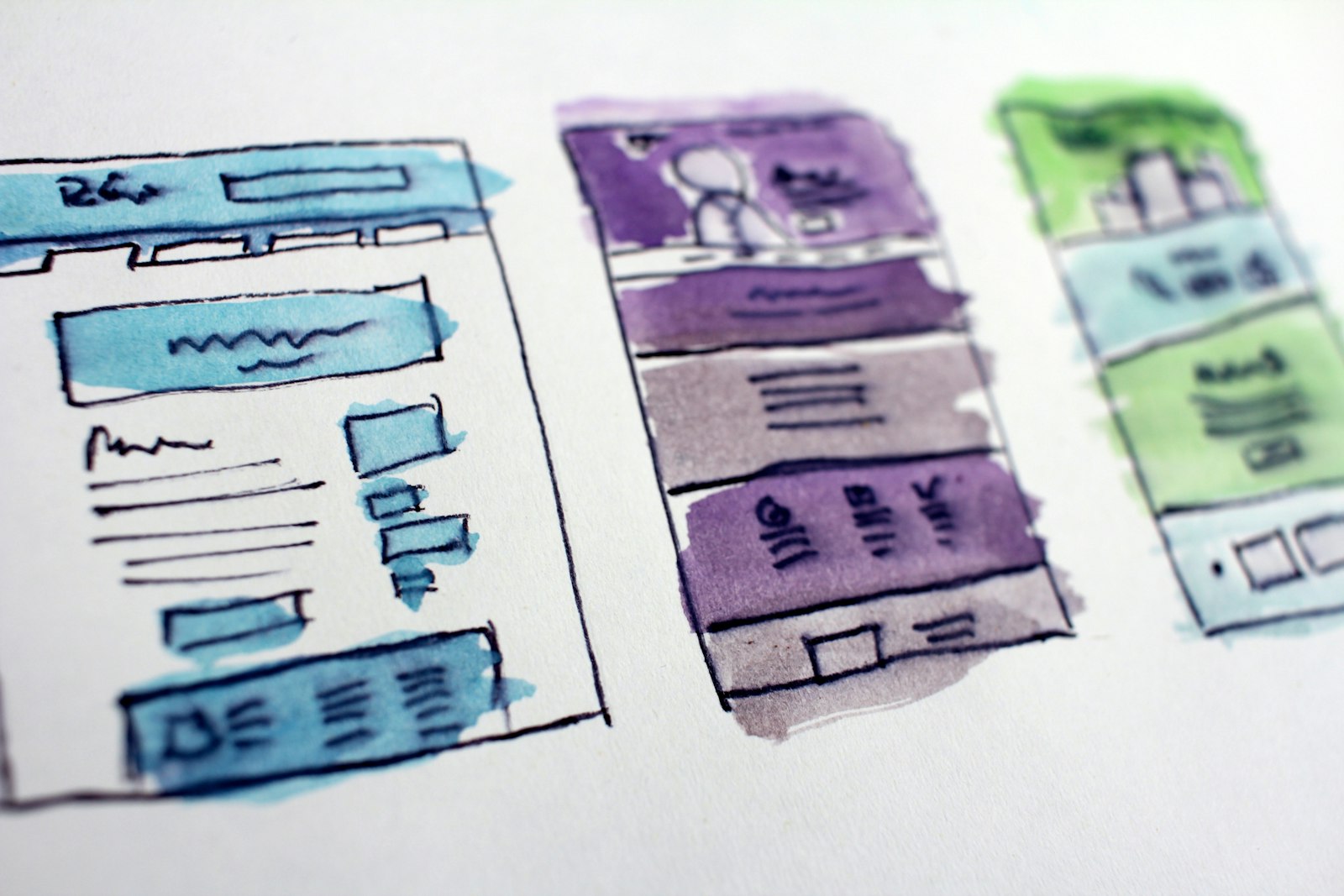
The full journey on one page, screens and hand-offs and wait states, before a single pixel is drawn.
Prototype fast
Clickable prototypes in days, tested with the people who will use them rather than a committee.
Design the system
Components, states, and edge cases specified so the build stays fast and consistent. No mystery screens later.
Ship in four weeks
A working version in front of real users in the first sprint. Feedback beats speculation.
Measure after launch
Fewer clicks, fewer tickets, faster onboarding. Design is judged by the numbers it moves.
Is the software in the way?
Trained to tolerate it
Staff need weeks of training for what should be obvious.
Clicks that add up
Five screens for a task that needs one.
Support as UI
Customers email because the portal cannot answer.
Adoption stalls
The tool ships and the spreadsheet survives.
Template ceilings
The off-the-shelf tool covers 70%, and the missing 30% is your differentiator.
Rented logic
Your core process lives in a vendor's roadmap instead of your repo.
What we build
Flow and journey design
Onboarding, checkout, case handling, and approvals mapped end to end before anything gets drawn.
Prototypes tested with users
Clickable versions in days, put in front of the people who will use them.
Design system
Components, states, and edge cases specified once, so every later screen is cheap to build.
Customer portals
Self-service accounts, document flows, and status views that answer the questions support keeps getting asked.
Checkout and payment flows
Baskets, subscriptions, and multi-merchant payments through Stripe and PayPal.
Internal tools and dashboards
The admin, queue, and reporting screens your team works in all day.
Judged by clicks, tickets, and onboarding time.
We measure the flow before and after: steps to complete, tickets raised, days to onboard.
Ready for software people stop noticing?
Which flow does your team complain about most? Start there.